How to organize your remote work tools without overload
A no-nonsense framework for picking and combining remote-work tools so your team stops hopping between five tabs every five minutes.
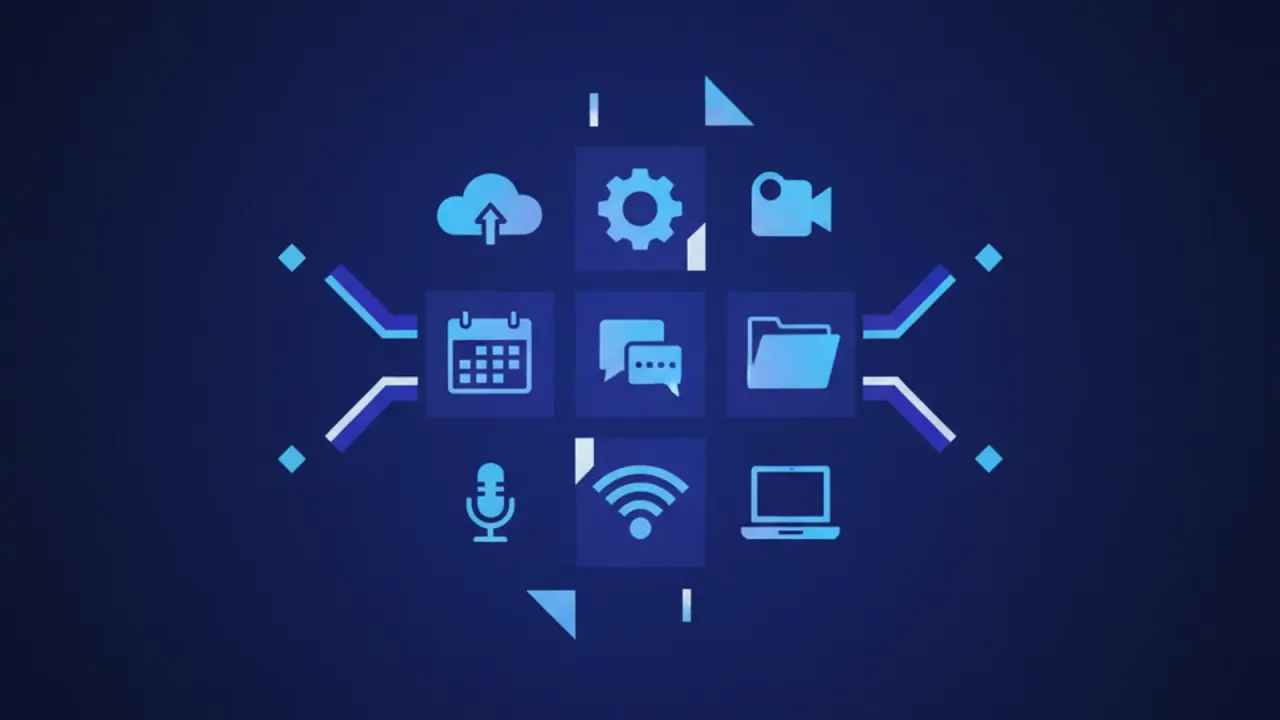
Most remote teams do not have a tool problem. They have a tool combination problem. There is a Slack, a Notion, a Linear, a Figma, two shared drives and a forgotten Trello board, and nobody knows where the latest version of anything is.
Here is the simplest framework that works for teams up to about 50 people.
Pick one of each, not two of any
Your team needs exactly four categories of tool, and one tool per category:
- Chat — for fast, low-stakes communication.
- Async writing — for decisions, proposals and longer threads.
- Project tracking — for what is being worked on and what is next.
- Documents — for evergreen knowledge and reference.
Two chat apps, two doc tools or two trackers will create permanent confusion. Pick one of each and commit.
Default to async, escalate to chat
Decisions, proposals and design reviews belong in async writing. Chat should be for status updates (“PR is up”, “deploying now”), social moments and time-sensitive coordination.
A simple rule: if a thread reaches more than ten messages, move it to a doc.
One source of truth per topic
Each topic — onboarding, security, design system, hiring — gets exactly one home. Link to that home from chat and from every other doc that mentions the topic. If you find yourself writing the same paragraph twice, you have a structural problem, not a knowledge problem.
For finance operations, the same “one source of truth” principle applies. Our Veksora Digital review looks at how the platform presents budget control, forecasting and AI-assisted finance workflows from the public site outward.
Tool stacks that actually work
- Lean stack: Slack + Notion + Linear + Google Drive.
- Engineering-heavy: Slack + Linear + GitHub + Notion.
- Design-heavy: Slack + Figma + Notion + Linear.
The exact tools matter less than picking one per slot and stopping there.
Quarterly cleanup
Every three months, archive any project tracker board that has not moved in 30 days, delete duplicate docs, and remove integrations nobody uses. Tool sprawl is a silent productivity tax.
Frequently asked questions
How many tools should a remote team use?
Should chat or async be the default?
Related articles
Password managers for small teams — what actually matters
How to pick a password manager for a small team, what features genuinely matter, and where most teams get it wrong.
Best note-taking apps for students in 2026
A practical comparison of the best free and paid note-taking apps for students, covering offline use, handwriting, sync and price.